
PST vs OST vs OLM: Key Differences Explained
Sep 16, 2026
First story
Seeking
Action


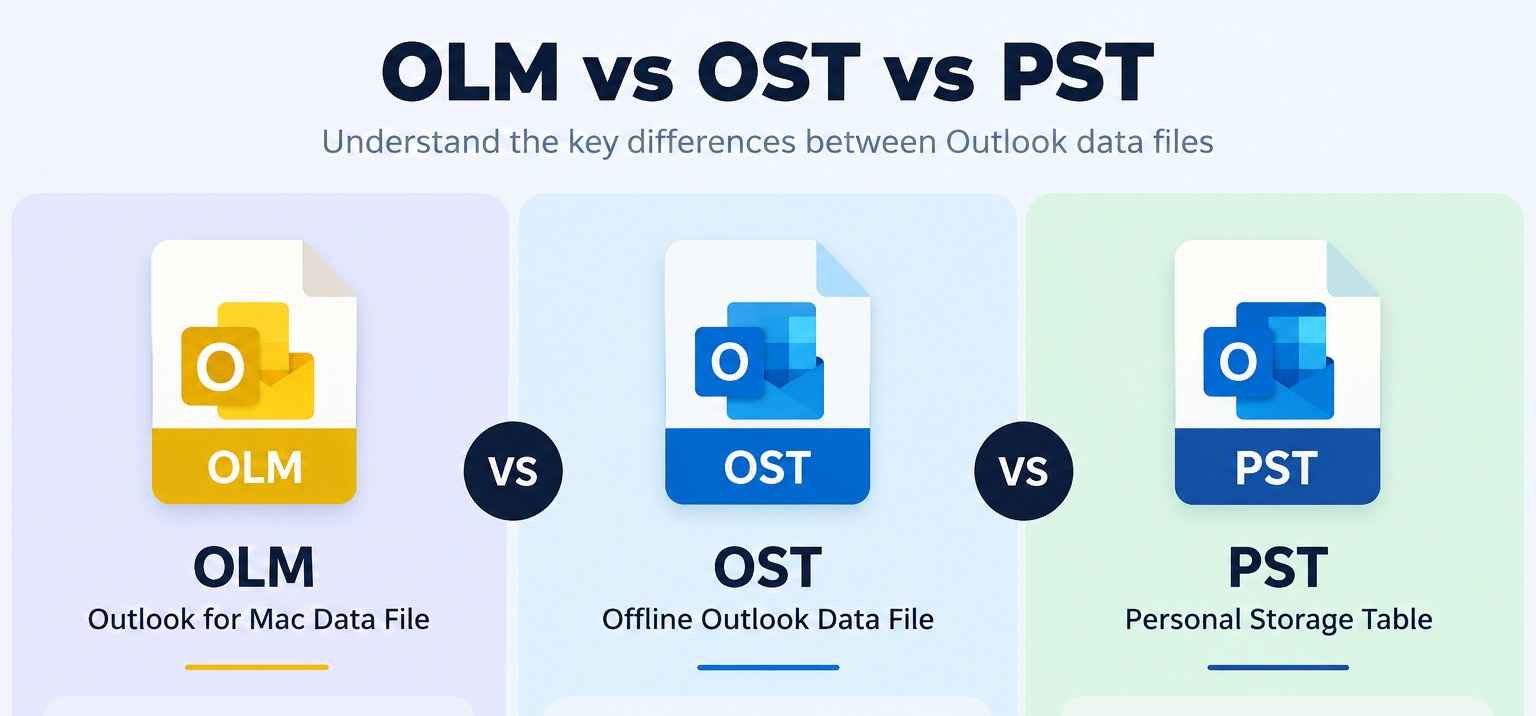
PST, OST, and OLM are three different Outlook data file formats used for storing or managing mailbox information. However, they are not interchangeable because each serves a different purpose. PST is primarily used for local and portable Outlook data storage, OST maintains an offline synchronized copy of mailbox data, and OLM is the data file format associated with Outlook for Mac.
Understanding the difference between PST vs OST vs OLM is important when backing up Outlook data, accessing an offline mailbox, moving data between platforms, or converting files into another format.
What Is a PST File?
PST (Personal Storage Table) is an Outlook data file used to store mailbox information locally. Depending on the Outlook setup and data included, a PST can contain emails, attachments, contacts, calendars, tasks, notes, and other Outlook items.
PST files are commonly associated with local archiving, backup, and transferring Outlook data. Because PST is designed for local storage, users can maintain mailbox data separately from the original online mailbox.
When PST data needs to be converted into another file format or migrated to a different email platform, the BitRecover PST Converter Wizard can be used to process PST files and export their contents into various supported formats and destinations.
What Is an OST File?
OST (Offline Storage Table) is an Outlook data file associated with cached or offline mailbox data. Outlook uses an OST to maintain a local copy of synchronized mailbox information, allowing users to work with mailbox data while connected to the associated account and, for supported data, continue working when offline.
Unlike PST, an OST is not primarily intended to be a portable archive that users freely move between Outlook profiles. This distinction becomes particularly important when an OST file remains on a computer after the original account or Outlook profile is no longer available.
In such cases, users may need to extract mailbox contents from the OST file. The BitRecover OST Converter Wizard is designed for converting OST data into formats such as PST, EML, MSG, MBOX, and other supported formats.
What Is an OLM File?
OLM is the Outlook for Mac data-file format. It is used by Outlook for Mac to store mailbox information, including emails and other Outlook items such as contacts, calendars, tasks, and notes.
The most important distinction between OLM and the other two formats is its association with Outlook for Mac. Therefore, OLM files commonly become relevant when users need to archive Outlook for Mac data or move that data into another environment.
When an OLM file needs to be converted for use with another email client, platform, or file format, the BitRecover OLM Converter Wizard provides a dedicated option for processing OLM data.
PST vs OST vs OLM: Key Differences
The differences become clearer when each format is considered according to its purpose and usage:
PST: Used for local and portable storage of Outlook mailbox data. It is commonly associated with archiving, backup, and transferring Outlook information.
OST: Used to maintain an offline or cached copy of synchronized mailbox data. It is primarily connected with an Outlook profile and its associated mailbox account.
OLM: Used as the Outlook for Mac data-file format for storing and archiving Outlook data on Mac.
Portability: PST is commonly used as a portable Outlook data file. OST is primarily associated with synchronization rather than independent portability. OLM is designed for Outlook for Mac and may require conversion when data needs to be used in another environment.
Platform: OLM is specifically associated with Outlook for Mac, while PST and OST are commonly encountered in Windows Outlook workflows.
Conversion requirement: PST conversion is often required when moving archived Outlook data to another format or service. OST conversion can be necessary when users need to extract data from an inaccessible or orphaned OST file. OLM conversion is commonly relevant when transferring Outlook for Mac data to another platform or supported destination.
When Do You Need to Convert PST, OST, or OLM?
The required converter depends on the source file and the intended destination.
For example, an organization with archived Outlook PST files may need to convert them into another format for migration or long-term data access. In this situation, a PST-specific converter is appropriate.
If an employee leaves an organization and an OST file remains on their computer, the organization may need to extract the mailbox information stored in that file. An OST converter can help make that data accessible in a suitable target format.
Similarly, users moving from Outlook for Mac to a Windows-based Outlook environment may have OLM files that need to be converted before the data can be used in the destination workflow.
PST vs OST vs OLM: Final Takeaway
PST, OST, and OLM can all contain Outlook-related mailbox information, but they serve different roles. PST is primarily used for local and portable storage, OST is associated with offline synchronized mailbox data, and OLM is the Outlook for Mac data-file format.
Therefore, when working with any of these files, the correct approach depends on the file type, the Outlook environment, and the required destination. For conversion requirements, BitRecover PST Converter Wizard, BitRecover OST Converter Wizard, and BitRecover OLM Converter Wizard provide dedicated solutions for their respective source file formats.
- First Story